13.20 Summary and Homework Copy
Practical assignments:

In this challenge, I want to check if you are able to combine several models into one federated model and then create several viewpoints and use review tools to measure model elements.

Files required to complete the tasks you can find here – Download

Challenge 13.1 – City

1. Open the folder 13.1 – City from Exercise Files. There are 5 .nwd models, each corresponding to different parts of the city model.
2. In Navisworks, combine all these models into one federated model using the Append button.
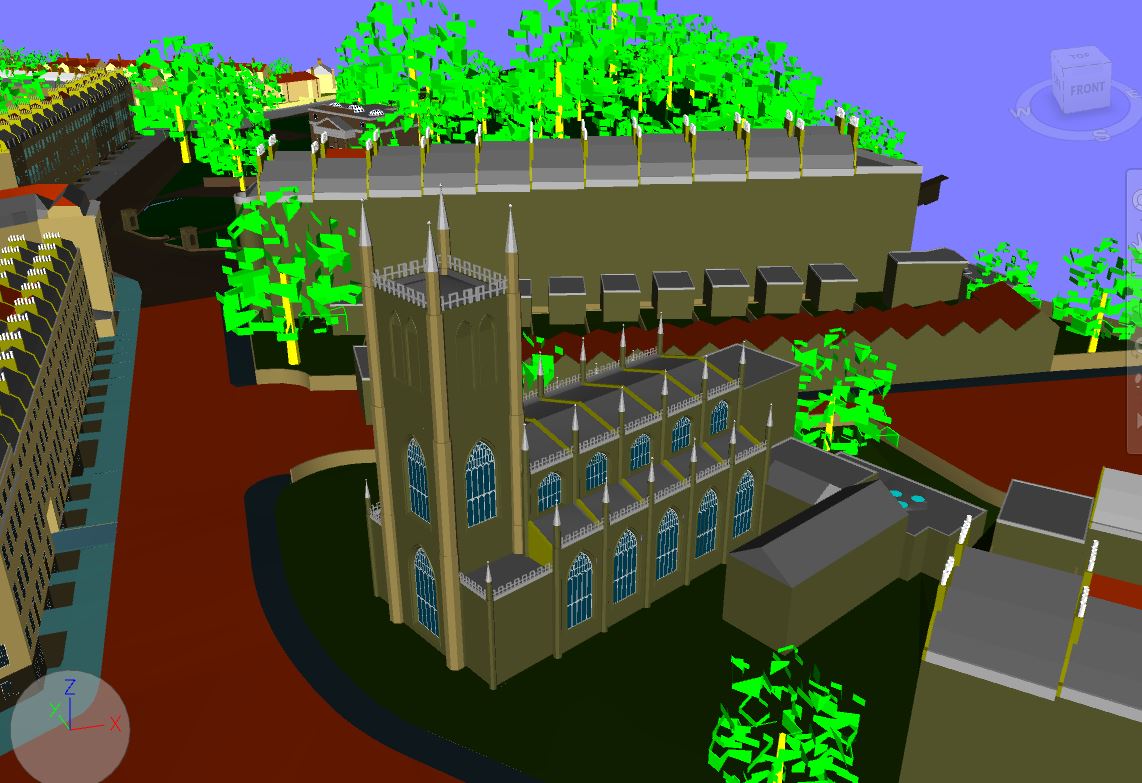
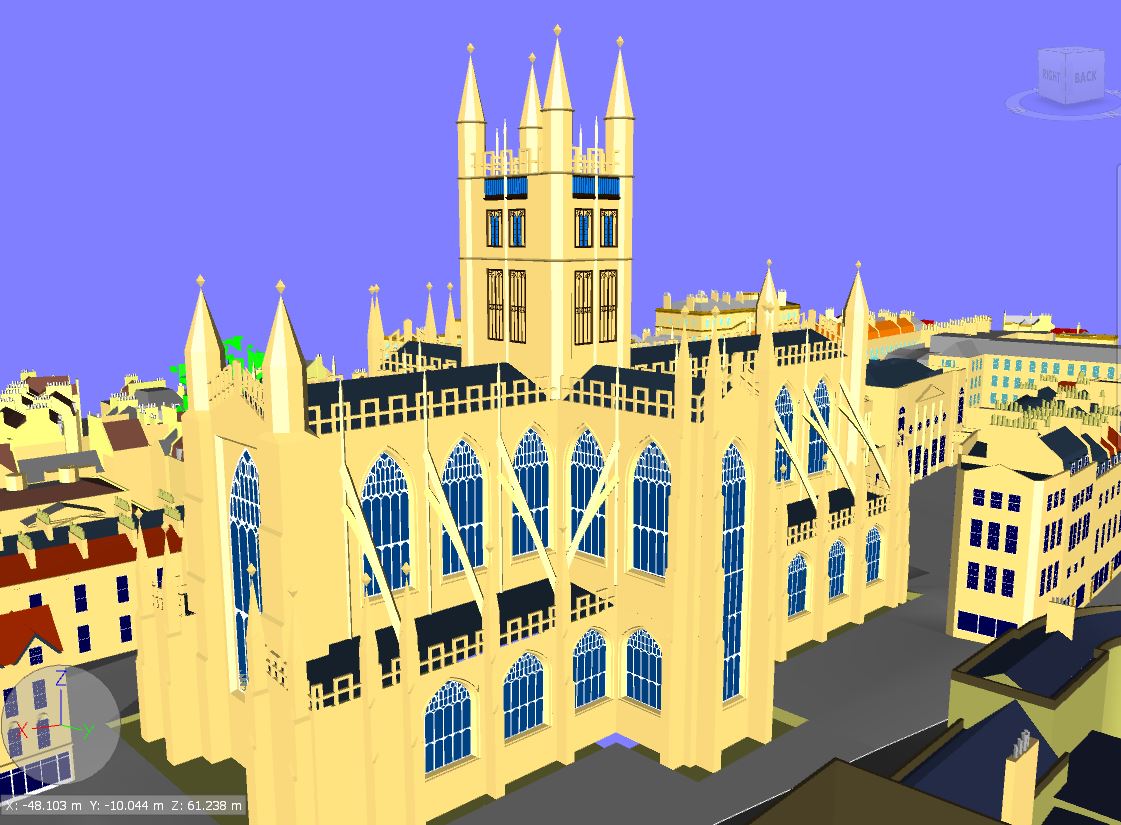
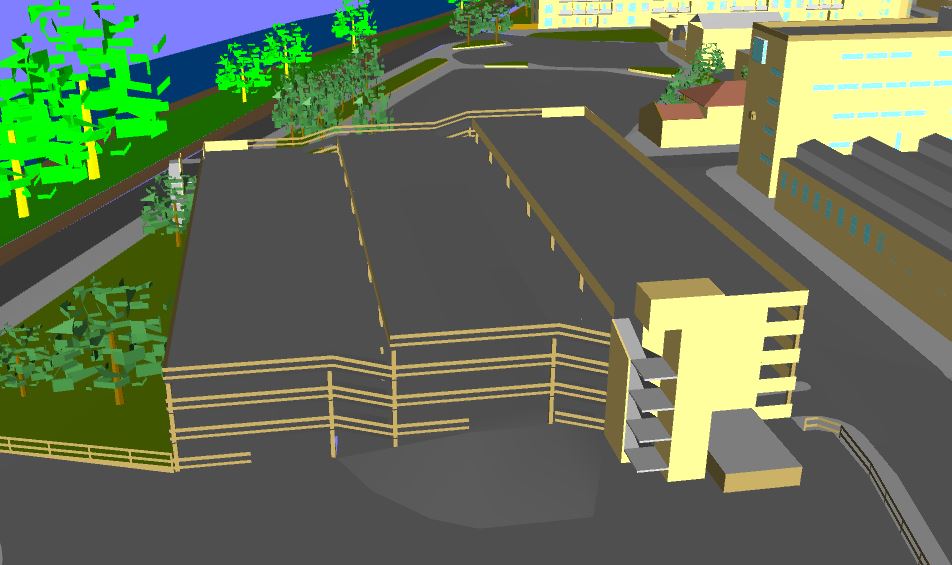
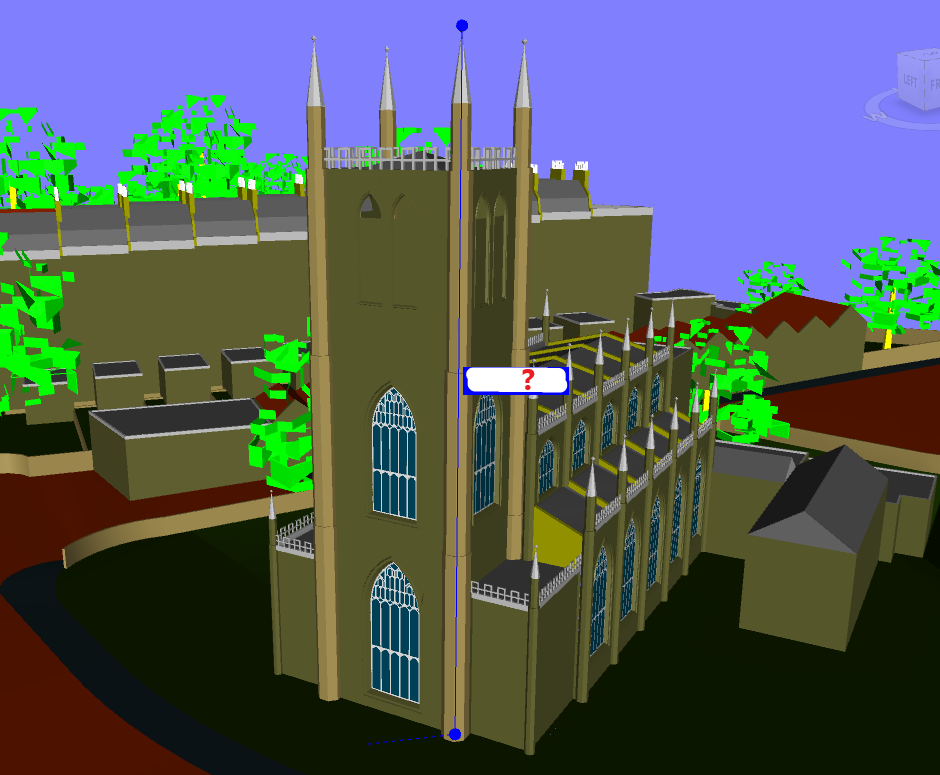
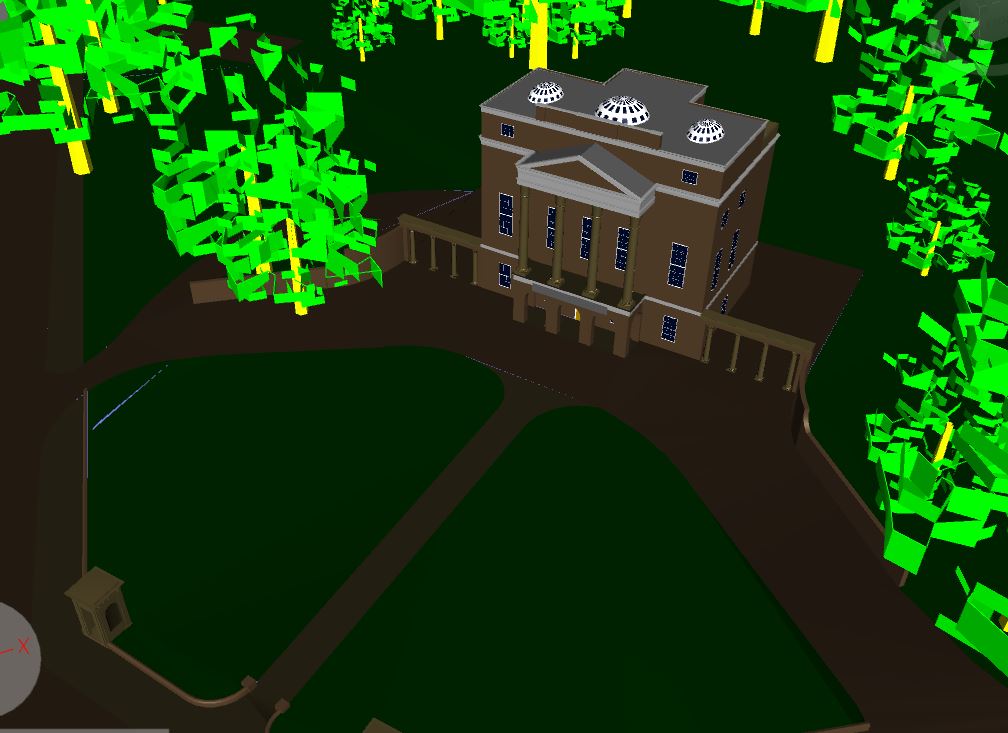
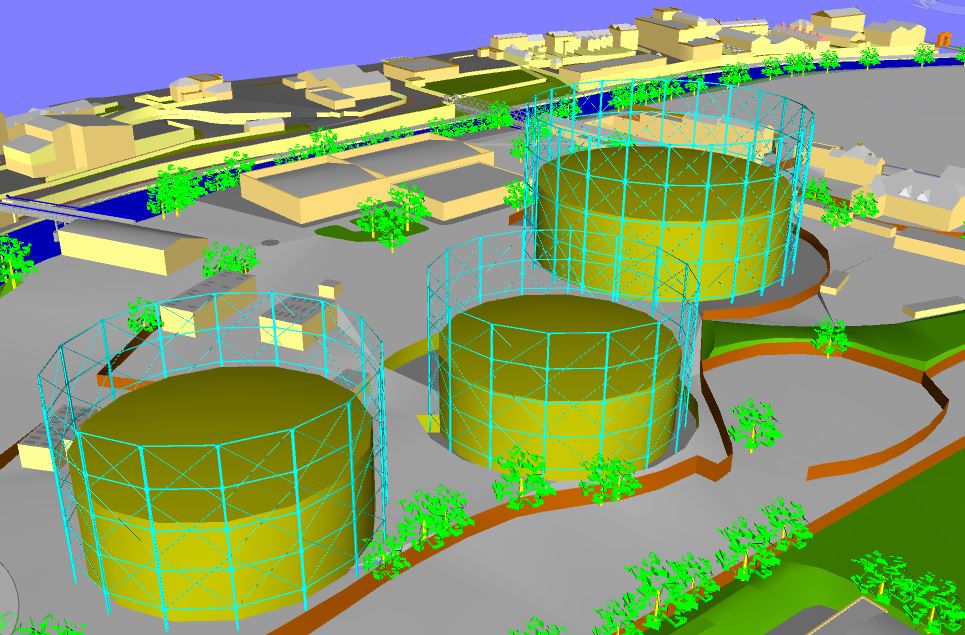
3. Then find in the model and create viewpoints of individual buildings located in the city (see pictures below).

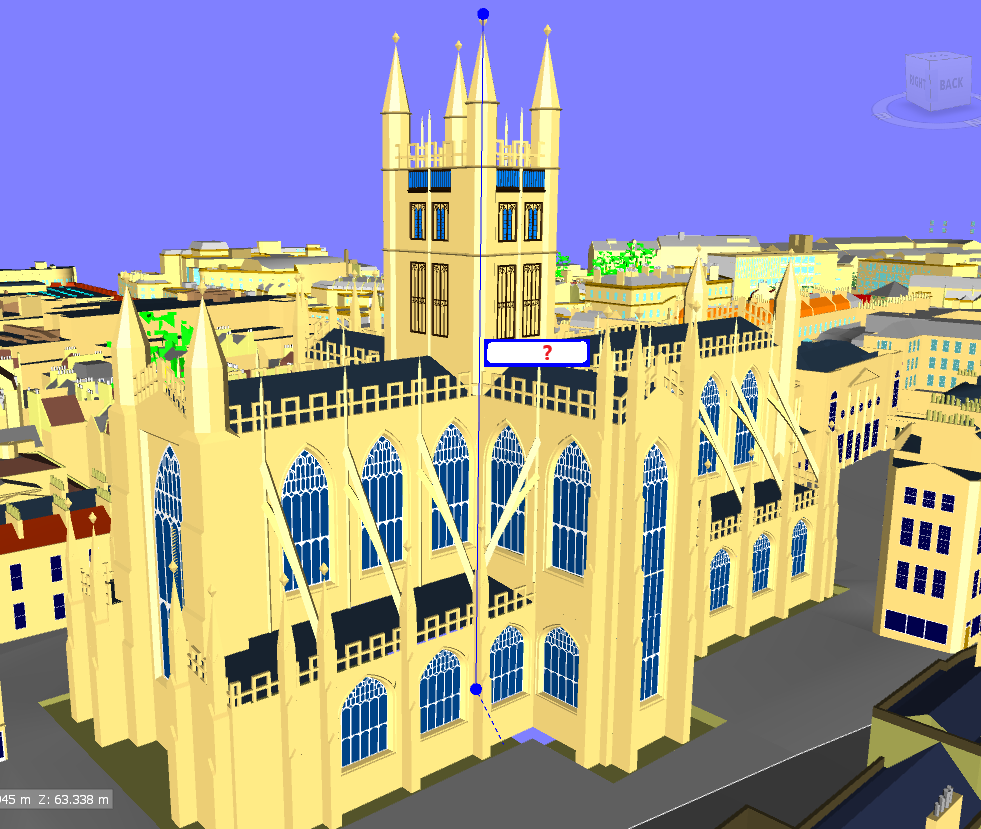
4. Using Review tools, measure the height of the abbey and church towers from the top to the ground (see picture below). Update viewpoints with newly created viewpoints.

What are the heights of these towers in meters? Compare your result with the correct answers here.

Challenge 13.2 – Hospital and School

1. Open 13.2 Hospital.nwd file,

2. Using Find Items tool in Navisworks create search sets listed below. For each search set, check the number of selected elements. Compare your results with right answers here.

Curtain wall Elements – it contains elements from category: Curtain Panels, Curtain Wall Mullions, Curtain Systems.
Exterior Walls – it contains elements from category: Walls, and their name indicates that they are exterior.
Interior Walls – it contains elements from category: Walls, and their name indicates that they are interior.
Structural Foundations – it contains elements from category: Structural Foundations.
Ducts – it contains elements from category: Flex Ducts, Ducts, Duct Fittings, Duct Accessories.
Structural Beams – it contains elements from category: Structural Framing and beams are W-Wide Flange type W21X50.
Structural Columns – it contains elements from category: Structural Columns placed on Level 3 and elements are W-Wide Flange type W14X120.
HVAC pipes – it contains elements from category: Pipe, Pipe Fittings and Pipe Accessories and comes from HVAC model.

3. Export newly created search sets.

4. Import search sets to the file 13.2 School.nwd.

5. Check how many elements are selected in the School model when you choose  following imported search sets:
–  Interior Walls,
–  Structural Foundation,
–  Ducts,

Compare the result with the right answers – here.


REMEMBER – IF YOU HAVE ANY DIFFICULTIES WITH THESE CHALLENGES, GO TO OUR COMMUNITY GROUP AND WRITE THERE A POST EXPLAINING WHAT YOU DON’T UNDERSTAND. THIS IS THE FASTEST WAY TO GET HELP FROM ME (IGNACY 😉) AND FROM OTHER BBC STUDENTS. GOOD LUCK. 

LINK TO THE GROUP