IMPORTANT NOTE!!
Recently, Plannerly updated its visual interface.
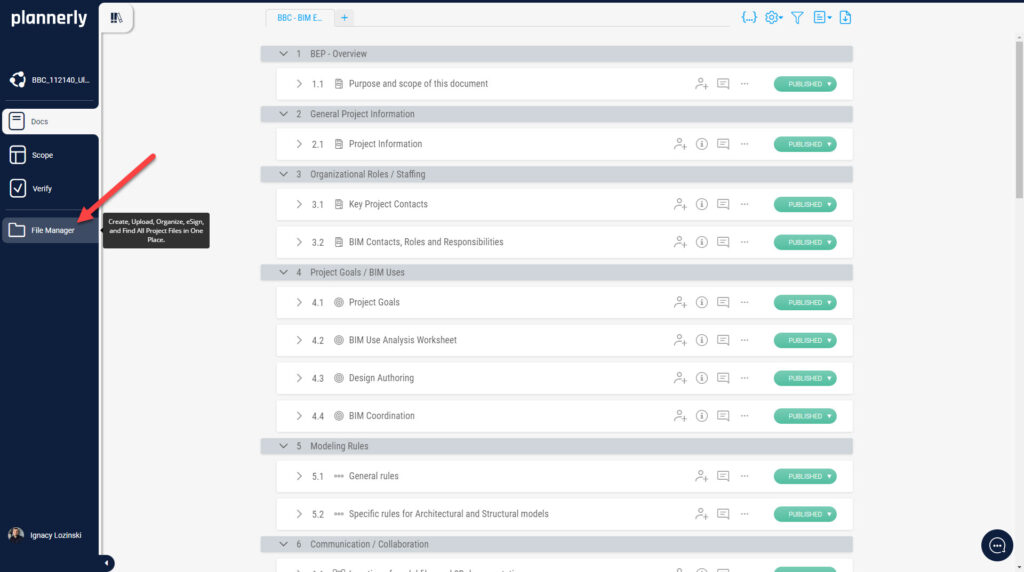
The is no ‘Contract’ mode, as discussed in the lesson, is now called ‘File Manger’. If you want to create a document from Plannerly, then:
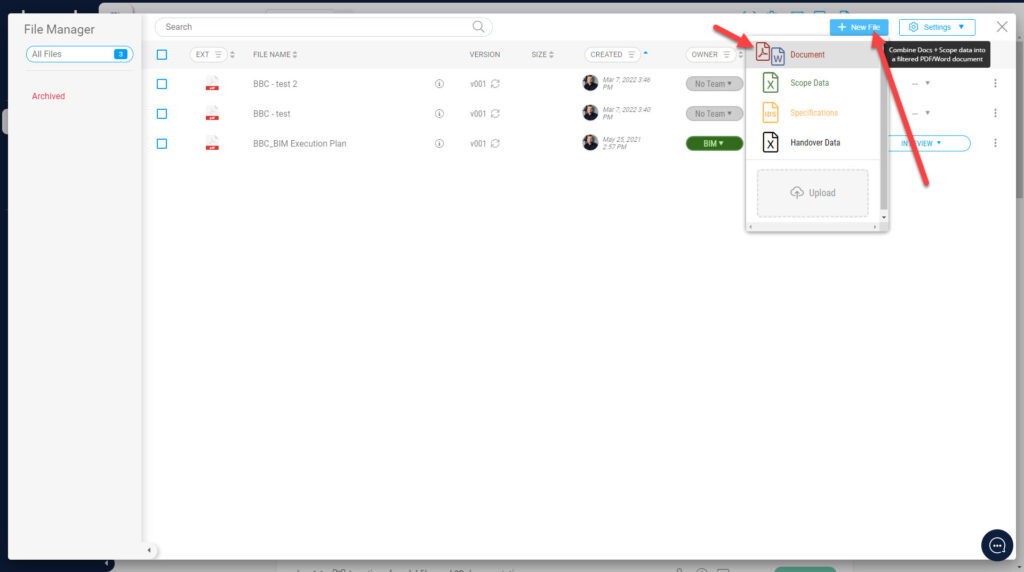
2. Then click + New File button and select a Document button. Then follow the steps presented in the lesson.